The Challenge
For this school project, I wanted to explore the intersection of 3D modeling, shader programming, and real-time rendering. The goal was straightforward but technically interesting: take a GLSL shader from Shadertoy, adapt it for use in Three.js, and apply it to a custom 3D model. To make it more personal, I decided to create the 3D model myself in Blender.
Finding the Perfect Shader
I spent time browsing Shadertoy looking for a shader that would work well on a TV screen. I ended up selecting a complex icosahedral geometry shader that creates an intricate 3D structure with holes and spikes. The shader uses raymarching techniques and signed distance functions (SDFs) to render the geometric form in real-time a perfect fit for demonstrating the capabilities of WebGL.
Modeling the TV in Blender
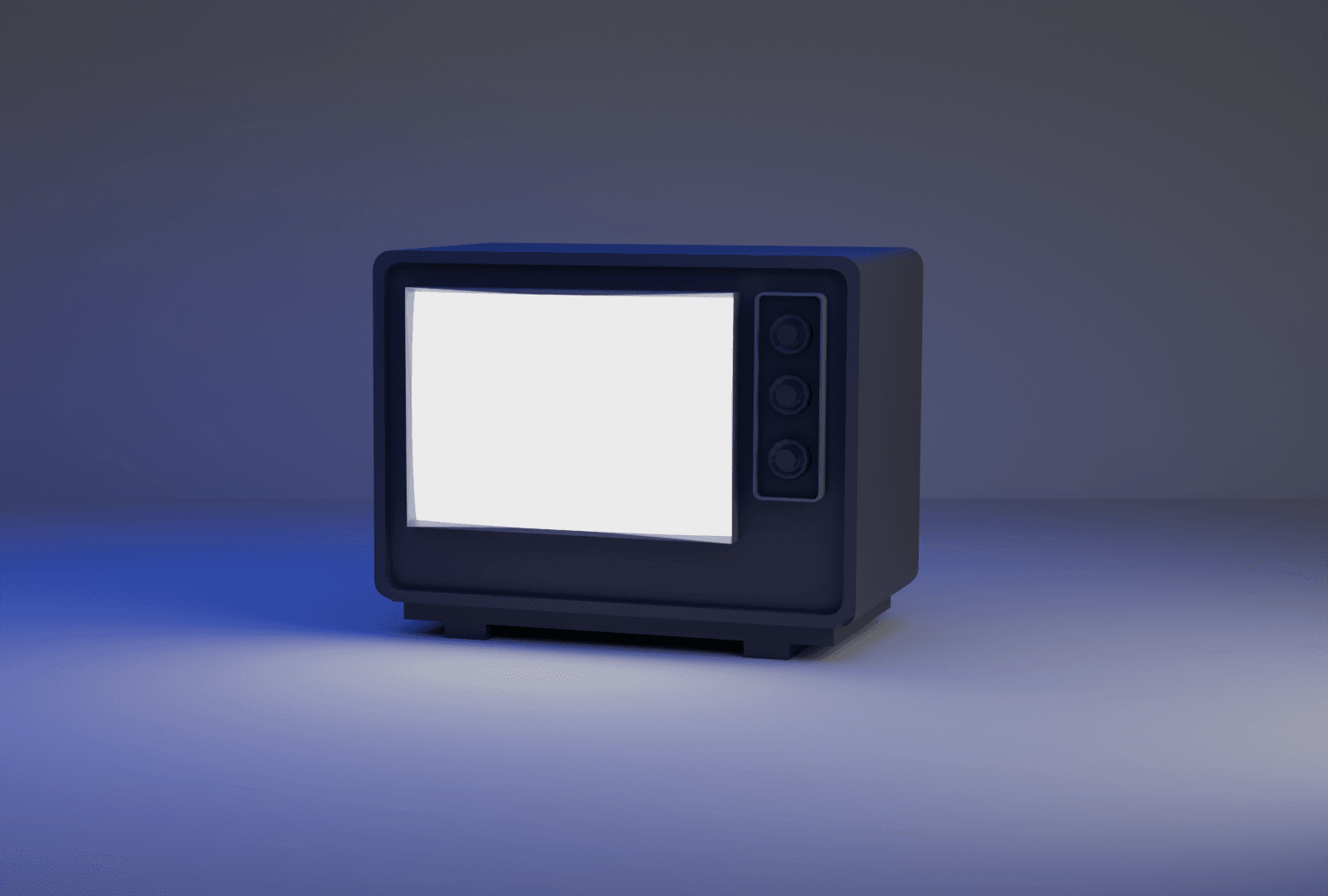
Rather than using a premade model, I modeled the TV myself in Blender. This gave me complete control over the geometry and ensured the UV mapping would work perfectly for applying the shader to the screen area.
Adapting the Shader
Shadertoy shaders use a specific set of conventions that don't directly translate to Three.js. The main technical challenges included:
Converting Uniforms
- Replaced Shadertoy's
iTimeandiGlobalTimewith Three.js time uniforms - Adapted
iResolutionto work with Three.js's UV coordinates - Converted fragment coordinate system from
gl_FragCoordto UV-based calculations
Custom Parameters
I added three interactive uniforms to control the shader in real-time:
zoomValue: Controls camera distance from the geometry (3-8 range)gapValue: Adjusts the size of holes in the structure (0.0-0.1 range)thicknessValue: Controls shell thickness (0.01-0.1 range)
Material Integration
The shader needed to be wrapped in a custom ShaderMaterial that could communicate with Three.js's rendering pipeline while maintaining the original Shadertoy code structure.
Building the Three.js Scene
With both the model and shader ready, I built a complete interactive environment:
Scene Architecture
- Modular class structure for maintainability (SceneSetup, ShaderManager, TVModel, etc.)
- Post-processing pipeline using EffectComposer with outline effects for hover states
- Raycasting system for detecting clicks on interactive TV buttons
- OrbitControls for smooth camera navigation around the TV
Interactive UI
- Custom SVG dial using GSAP and Draggable for real-time parameter control
- Animated menu system that smoothly transitions between shader modes
- Button hover effects with outline post-processing pass
- Responsive camera animations that focus on different parts of the TV when switching modes
Performance Optimization
- Reduced ray marching steps to 50 for better frame rates
- Increased fudge factor for faster ray convergence
- Added performance monitoring to track frame times
- Optimized shader complexity for smooth real-time interaction
The Result
The final project successfully combines all three elements: a custom 3D model, adapted shader code, and a polished Three.js environment. Users can click the TV buttons to switch between three different shader parameters (zoom, gap, thickness) and use the interactive dial to adjust values in real-time. The shader renders at smooth frame rates while maintaining visual quality, and the scene can be freely explored with orbit controls.
It was a rewarding exercise in understanding how different parts of the graphics pipeline work together from 3D modeling in Blender, to shader programming with GLSL, to building interactive experiences with Three.js. The modular architecture also made it easy to extend and experiment with different features.
Technical Stack
- Three.js for 3D rendering and scene management
- GLSL for shader programming with ray marching and SDFs
- Blender for custom 3D modeling and UV mapping
- GSAP for smooth UI animations and transitions
- Vite for fast development and building
- WebGL as the underlying rendering API